
6 minutes
Replacing Console.Log with Babylonjs/GUI
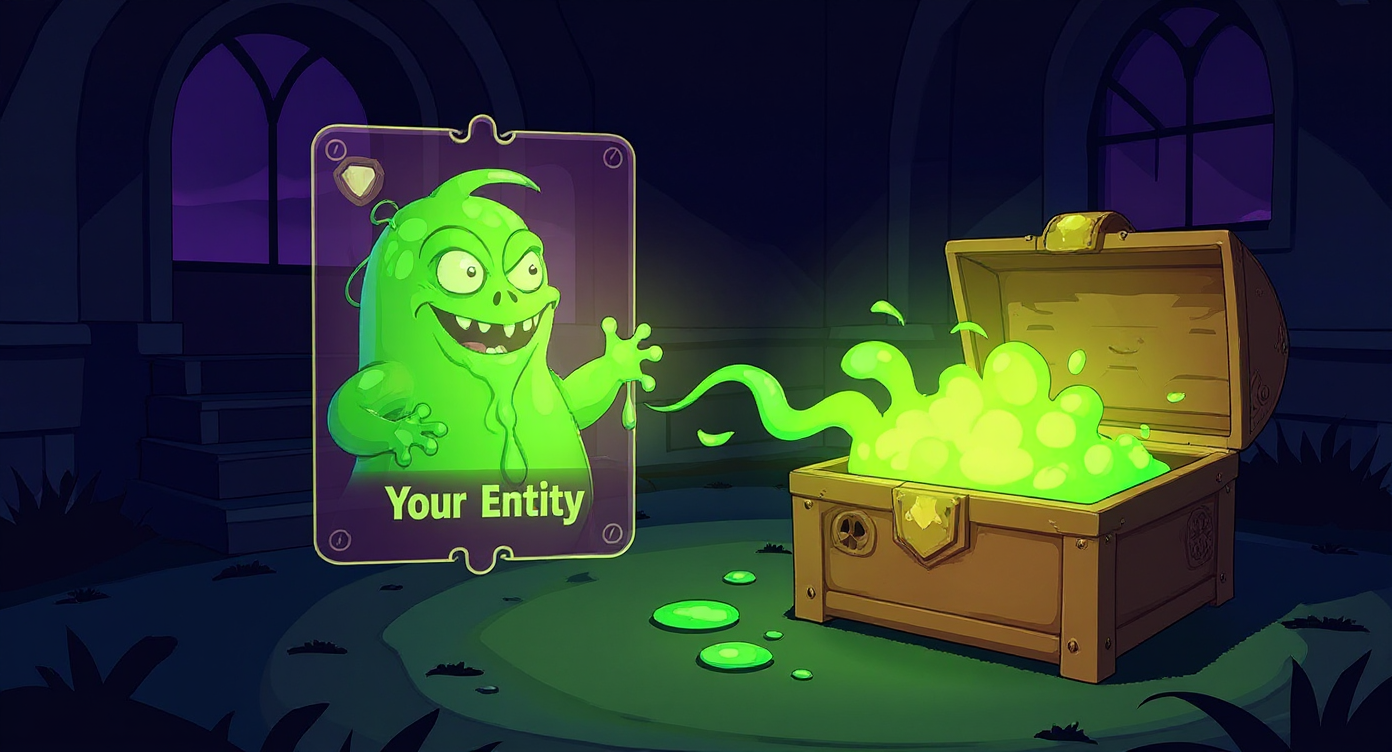
The Problem We Want to Address
Web developers use both the browser's native debugger and console.log to do much of their logging and debugging.
Babylon.js doesn't include any logging tools out of the box. But it does give us the tools to make our own. Carrying console.log over to a game architecture is insufficient. A website is loaded once. Stuff happens on click. A game loop, on the other hand runs 60 times a second where you do something or not. And the browser will print the console.log every frame. If there's an object you want to inspect. Well, it crashes the browser pretty quickly trying to keep all those log statements in memory.
So, let's build a custom logging overlay that displays real-time entity data right in your Babylon.js scene. We've got many Entities in a Game world, each with component objects that we'd like to inspect to make sure they're right.
So let's decide what we want in a console.log replacement.
One of the big issues I faced with console.log is matching the right Entity to the information being printed.
Goals for this System
- We want to use the
@babylonjs/guilibrary to print information to the screen as conveniently as we'd writeconsole.log()in web development. - We need to be able to label and switch between entities so we can focus on the right info.
- We want to print primatives and objects and arrays without having to add additional code each time.
- We'd like to save which entity we're looking at between browser refreshes.
- We'd like to look at the info from several entities on screen at once.
The configuration data
We're going to start by adding this Logging object to our entity components. We'd like to seperate our entities by color and only focus on the entities we want.
The component should look familiar if you've read the ECS series. The one unsettable peice of data is the LogStack class. This will encapsulate the GUI building logic.
The Logging System
The LoggingSystem class is concerned with creating the GUI Containers to hold the LogStacks for each entity.
Also, in this implementation I'm also letting the system respond to keyboard shortcuts because I'd like to use a few keys for the whole thing.
We'll also implement each entity being able to assign it's own key toggle a bit later.
The constructor sets up a fullscreen GUI with a scrollable container. We attach it to window.gui so we can manage multiple entity debug panels globally.
Entity Switching
Continue Reading
Unlock the full course to access all content and examples.